
What are you looking at?
The scene below is a working 3D viewer GlareAR built for the watch category. You can turn the watch to any angle and zoom right into the dial detail. The behaviour that photography freezes in a single lighting setup is here handed to the shopper.
GlareAR watch demo scene. Skeleton dial, brushed metal case and leather strap in one scene.
Open demo full screen →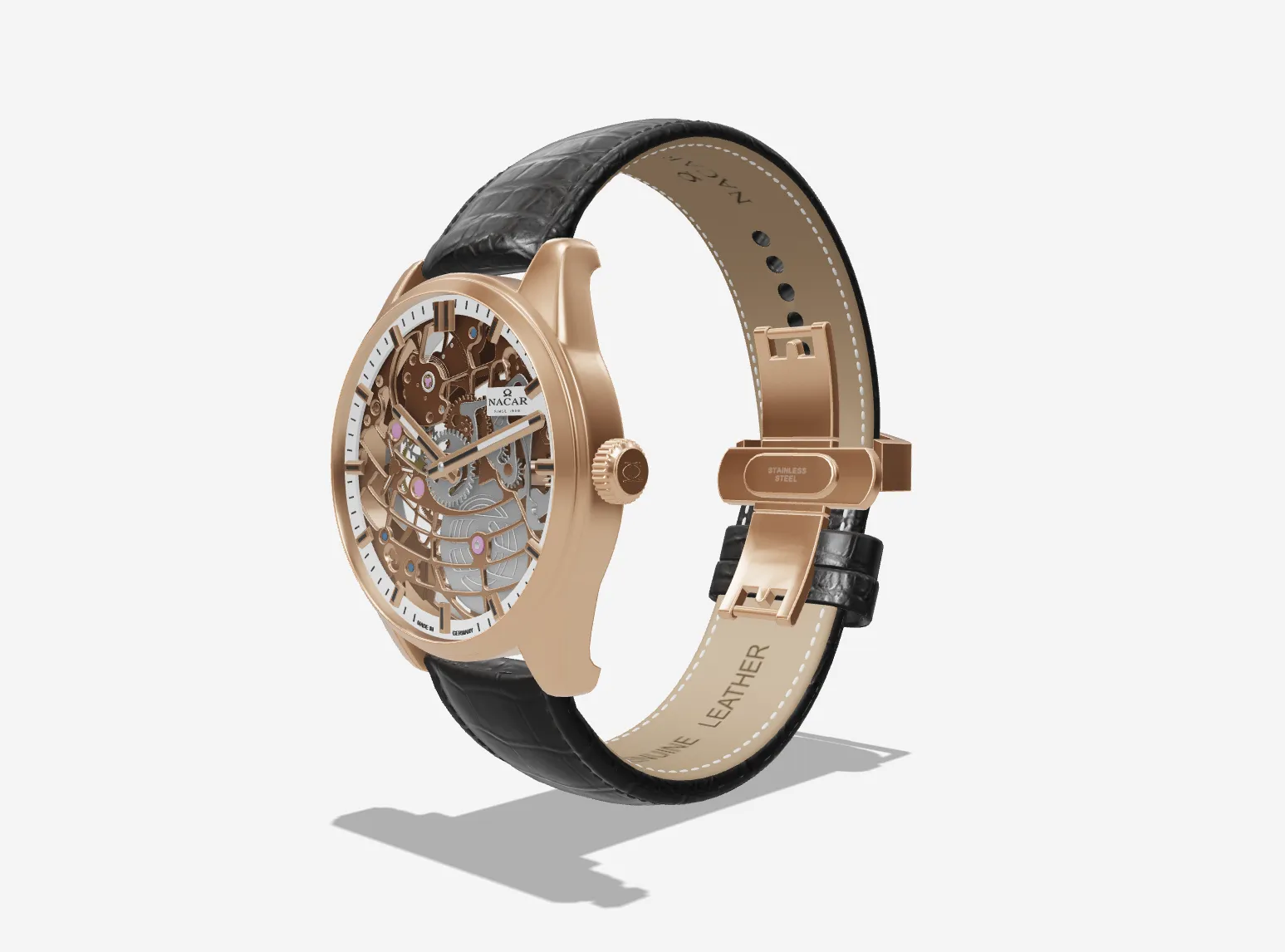
How were the metal, glass and leather surfaces built?
A watch derives its perceived quality not from any single surface but from how the surfaces behave relative to each other. Four separate material definitions work together in the demo, each governed by a different PBR channel.
| Surface | Defining PBR channel | What the demo watches for |
|---|---|---|
| Brushed metal case | Anisotropic roughness + normal map | Brush direction following the case form |
| Sapphire crystal | Transmission + reflection layer | Dial reading cleanly through the glass |
| Skeleton dial | High-resolution base texture | Movement detail surviving the zoom |
| Leather strap | Normal map + weave pattern | Stitching visible without inflating the polygon budget |
The dial is where most of the budget goes. It is the first thing shoppers look at when they zoom, so its texture is kept at higher resolution than the case and strap; indices and text, meanwhile, are handled as texture rather than geometry, preserving legibility without growing the file.
AR or 3D viewer — which matters more for watches?
In furniture the value sits in AR, because the question is whether the product fits the space. In watches the question is different: how does it look, and how large is it on the wrist. The demo therefore weights a high-quality 3D viewer and zoom over AR placement. Device sensors also struggle more with surface detection at small object scale.
- Millimetre specs such as case diameter stop being abstract numbers in a 3D view
- Strap and dial variants derive from a single case geometry
- High-resolution product imagery can be produced from the same scene, with no separate shoot